Connector Improvement: Request to Retrieve Additional Fields (Link / Click URL) via API in Fivetran
Answered
Hello,
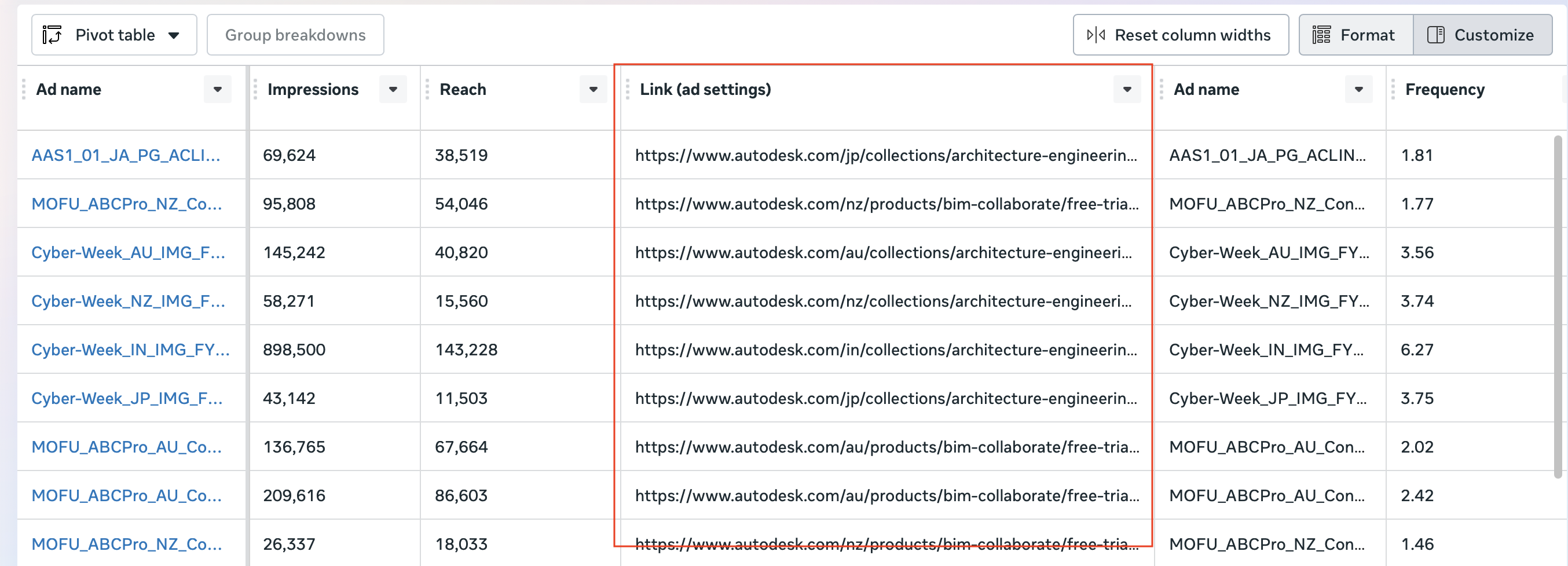
We are trying to pull the Link (Ad Settings) field for Facebook Ad Sets through the API using Fivetran. Although we can see this field in the UI report, it is not currently available in the synced tables. Could you please help us enable this field in our destination table via the Fivetran connector?
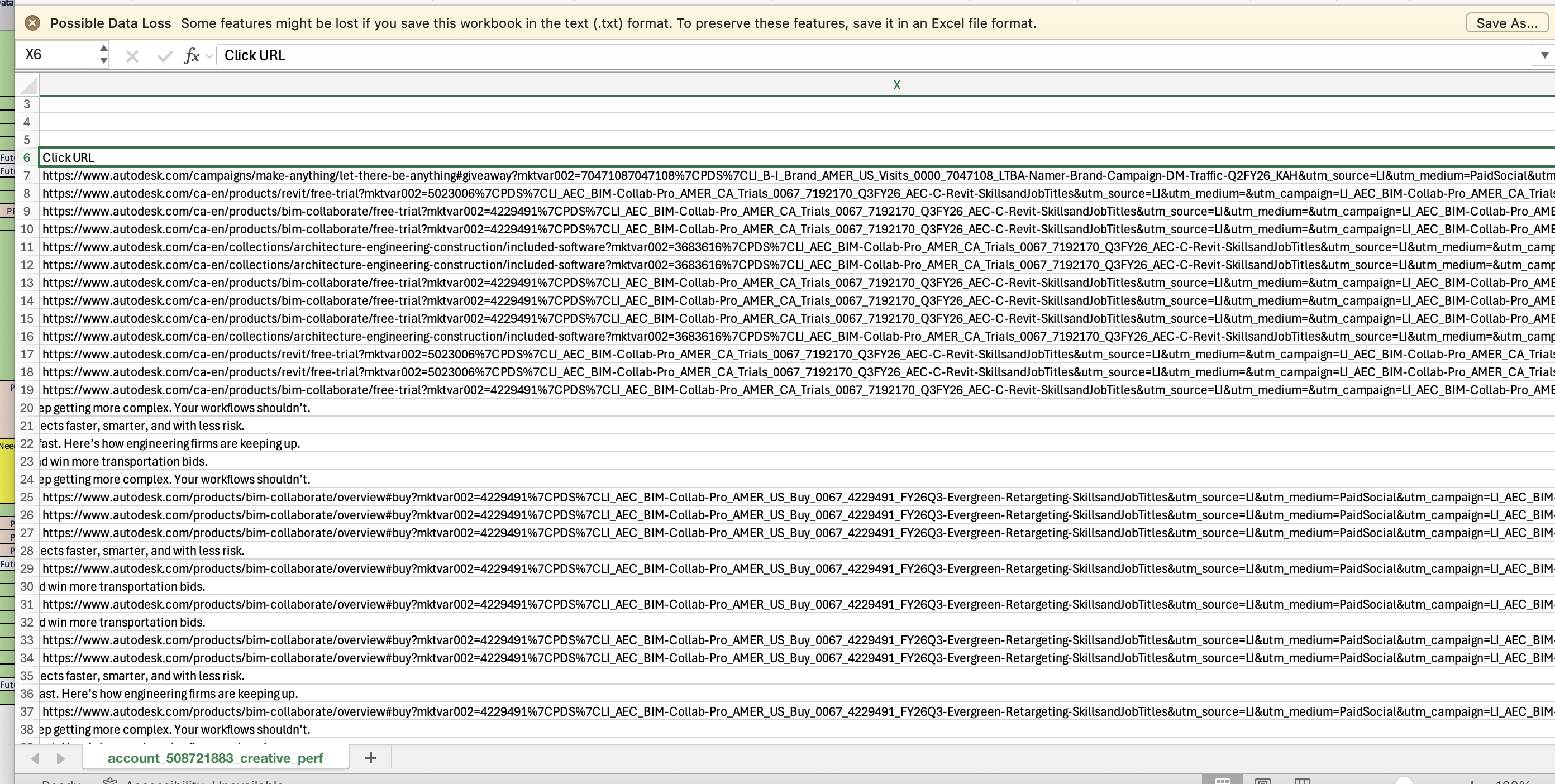
Additionally, we can see a similar field — Click URL — in LinkedIn reports. Can you also assist us in retrieving this field through the API and syncing it to our destination using Fivetran?
I have attached screenshots that show where these fields are visible in the UI.
Thanks in advance for your support!
-
Official comment

Hi Ranjit,
I think we already provide this data, but the way these platforms provide these links via the API is confusing and complicated.
For LinkedIn, it depends on the ad format.
- Spotlight ad: CREATIVE_HISTORY.spotlight_landingPage
- Text Ad: CREATIVE_HISTORY.text_ad_landingPage
- Single Image: POST_HISTORY.content_landing_page (join using CREATIVE_HISTORY.reference = POST_HISTORY.id)
- Lead Gen Ad: LEAD_FORM_HISTORY.post_submission_infocall_to_action_landing_page_url (join using CREATIVE_HISTORY.reference = LEAD_FORM.id)
For Facebook Ads, I believe the corresponding field is CREATIVE_HISTORY.object_story_link_data_link for most ads. However, if the ad is using dynamic creatives, then the data will be stored in AD_ASSET_FEED_SPEC_CALL_TO_ACTION. You can join using CREATIVE_HISTORY.id = AD_ASSET_FEED_SPEC_CALL_TO_ACTION.creative_id.
Let me know if this doesn't address your use case.
Cheers,
Luke
Please sign in to leave a comment.
Comments
1 comment